
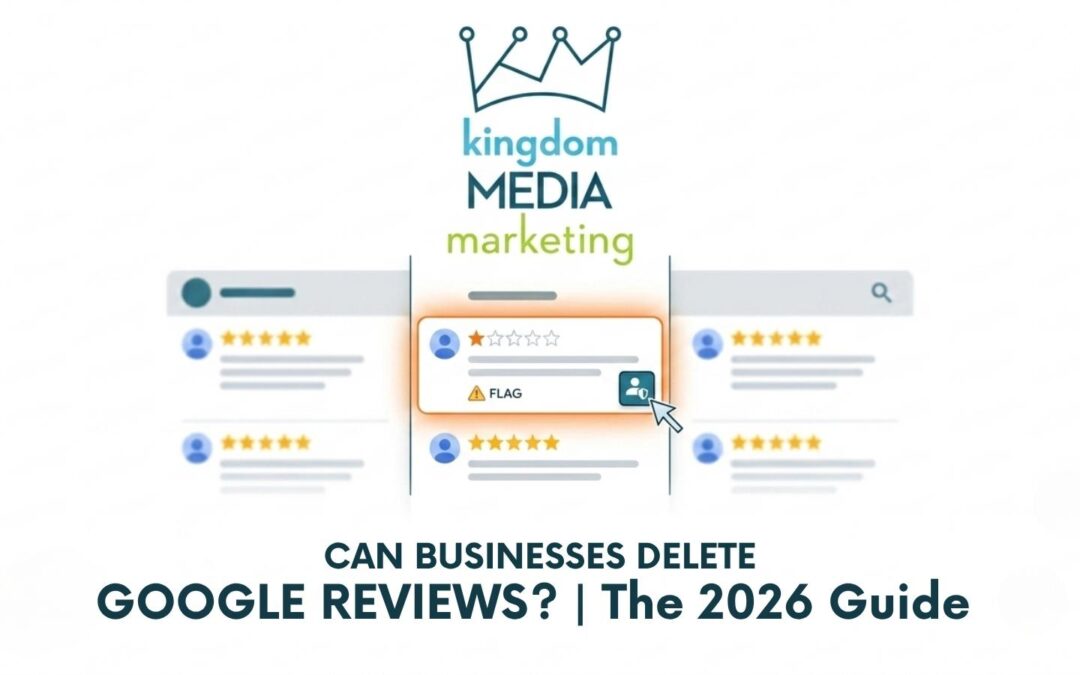
As a business owner, your Google Business Profile is often the first “handshake” you have with a potential customer. Naturally, a one-star review feels like a stain on your digital storefront. But can you actually delete it?
The short answer is no, you cannot personally delete a review. However, as of 2026, Google has significantly tightened its policies, giving businesses more power to have unfair or fake reviews removed by Google itself. Here is everything you need to know to protect your kingdom.
Why You Can’t Just Hit “Delete”
Google’s philosophy is built on transparency. If businesses could simply delete every negative comment, the platform would lose all credibility. Instead, Google acts as the moderator. To get a review removed, you must prove that it violates Google’s Prohibited and Restricted Content guidelines.
New for 2026: Stricter “Rating Manipulation” Rules
Google recently updated its policies (April 2026) to fight review spam. They are now using advanced Gemini AI models to proactively block extortion scams and fake engagement.
Pro-Tip: Google is now actively removing reviews that:
- Result from “Review Quotas” (forcing staff to get a certain number of reviews).
- Mention specific staff names (this is a new 2026 restriction to prevent staff harassment).
- Appear AI-generated or “pattern-based” (generic praise or templated text).
When Google Will Remove a Review
If a review falls into one of these categories, you have a high chance of winning an appeal:
| Violation Category | What it Looks Like |
| Spam / Fake Content | A review from someone who never visited your business or a “review attack” from a competitor. |
| Harassment | Reviews that use profanity, personal attacks, or now, specific staff names. |
| Conflict of Interest | Reviews left by former employees, contractors, or even family members. |
| Off-Topic | Social or political rants that have nothing to do with your actual service. |
Step-by-Step: How to Dispute a Review in 2026
If you’ve spotted a review that breaks the rules, follow this process:
1. Flag the Review
Find the review on your profile, click the three dots (⋮), and select “Report review.” Choose the most accurate reason (e.g., “Spam” or “Harassment”).
2. Use the Review Management Tool
For better results, use the official Google Review Management Tool. This allows you to check the status of your report and see if a human moderator has reviewed it.
3. File a “One-Time Appeal”
If your initial request is denied, don’t give up. Google now offers a one-time appeal process where you can submit specific evidence (like photos or transaction records) to prove the review is illegitimate.
What to Do if the Review Stays
If a review is negative but “honest” (meaning it doesn’t violate a policy), Google will likely keep it. Here is how to handle it like a pro:
- Respond with Grace: A calm, professional response often impresses potential customers more than the negative review hurts you.
- Don’t Get Defensive: Acknowledge the issue, apologize if necessary, and move the conversation offline.
- Drown it Out: The best way to “delete” a bad review is to bury it. Encourage your happy customers to leave authentic, detailed feedback.
Important Note: Do not offer discounts or freebies in exchange for reviews. This is “Incentivized Engagement” and can lead to Google suspending your entire Business Profile in 2026.
Need Help Protecting Your Reputation?
Managing your online presence can feel like a full-time job. At kingdomMEDIA Marketing, we specialize in local SEO and reputation management to ensure your business remains the “king” of the search results.
Have you recently noticed a suspicious spike in negative reviews? Let’s talk about how to secure your brand.