
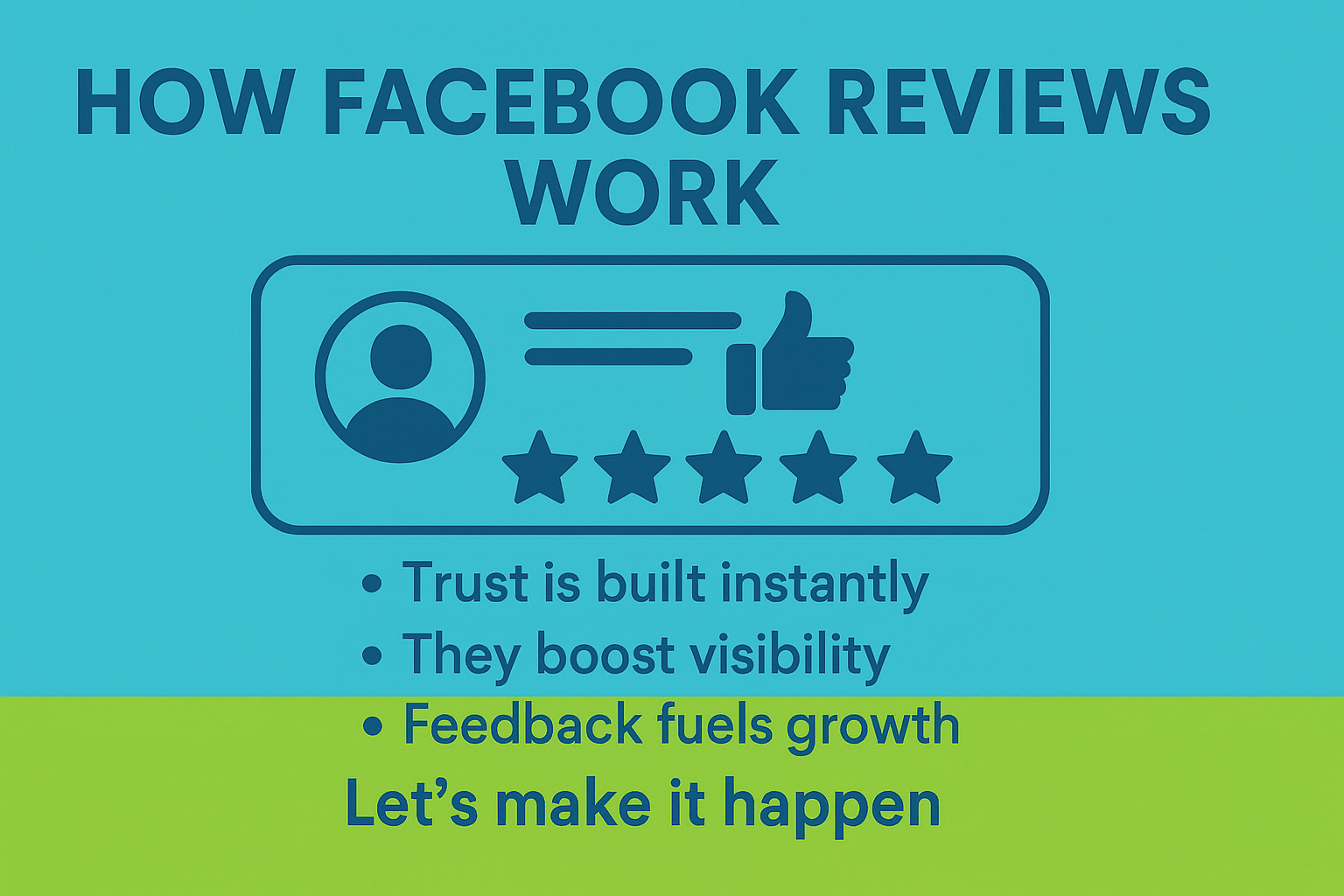
Think about the last time a friend’s recommendation convinced you to try a new restaurant or shop. That same powerful word-of-mouth magic happens online every day with Facebook Reviews, or Recommendations.
When a customer leaves a recommendation on your Facebook Business Page, they’re not just rating your service. They’re telling their story. These stories are visible to anyone visiting your page and can pop up in their friends’ feeds, amplifying your reputation far beyond your current audience.
Here’s the beauty of it:
- Build Instant Trust: Customers are skeptical of ads, but a glowing review from a peer is the most authentic form of social proof.
- Skyrocket Your Visibility: The more positive reviews you have, the higher your business can rank in Facebook’s search results, making you easier to find.
Fuel Your Growth with Feedback: Reviews are a goldmine of insights. They show you exactly what your customers love and where you can improve to better serve them.
The best part? A single happy customer’s review can become a mini marketing campaign you didn’t have to pay for.
How Page review count and recommendation score are determined
Ratings are calculated from 0 to 100 based on all reviews and recommendations. Feedback on our Page directly influences our rating.
- Ratings are not guaranteed: A Page must have at least five public recommendations to display a rating.
- Public posts are key: Only recommendations shared publicly are included in a Page’s overall rating. Recommendations shared with a limited audience (e.g., “Friends only”) won’t be counted in the star rating.
- Why the review count might change: The number of reviews you see on a Page can vary. This is because some reviews may only be visible to a limited audience, such as the reviewer’s friends.
Admin view: As a Page admin, the review count you see reflects the number of public reviews that contribute to your Page’s rating. You can identify these by a globe icon next to the post date.
Spam reviews
To ensure the quality and trustworthiness of your ratings, Facebook may remove any reviews that violate their spam policies. This means that a page’s rating may change after spam reviews are deleted.
Turn Recommendations on or off for your Page
When you enable Recommendations on your Facebook Page, anyone logged into Facebook can publish a recommendation, see your Page’s overall rating, and view all public recommendations.
- Log into Facebook, then click your profile photo in the top right.
- Click See all profiles, then select the Page you want to switch into.
- Click your Page’s profile photo in the top right.
- Click Settings & privacy, then click Settings.
- Click Page and tagging.
- Toggle Allow others to view and leave reviews on your Page? on or off.
Ready to turn your Facebook reviews into a powerful growth engine? We can help you build a strategy to get more reviews and use them to attract new customers. Let’s make it happen.
Contact kingdomMEDIA Marketing today at 470-219-4952 or connect@kingdommedia.pw